
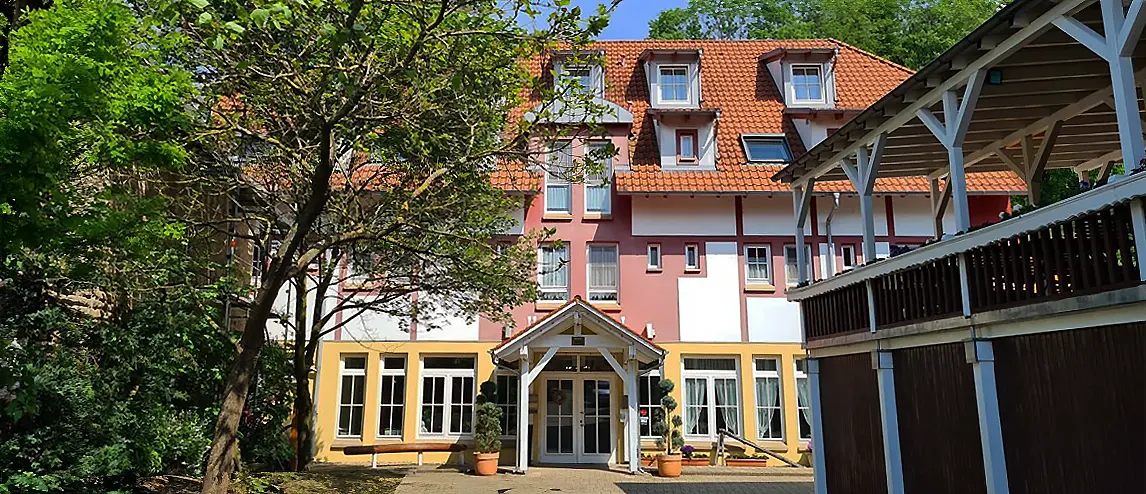
We look forward to welcoming you to our hotel in Sinsheim. You can look forward to comfortable rooms, personalised service and a pleasant atmosphere in which you can relax and enjoy your stay.

Whether you are planning a relaxing holiday, a successful conference or an eventful group trip - at Hotel Hirsch we make sure that you feel at home. Start your day with an enjoyable Breakfast in our friendly designed breakfast room and let it relax in our Restaurant fade away.

Sinsheim inspires with the fascinating Museum of Technology, the historic Steinsberg Castle and numerous cosy cafés and shops. The surrounding area also offers Thermal baths & bathing world and the Klima Arena for a variety of excursions and experiences.

You will find all the important information about your stay in this digital guest folder. Please do not hesitate to contact us at any time if you have any further questions or requests.

We wish you a wonderful time with us at the Hotel Hirsch.
Your Scherer family & team

On every page you will find this symbol or our logo at the top left and at the bottom in the footer. After clicking on this symbol or the logo you will be taken back to the overview page with all topics

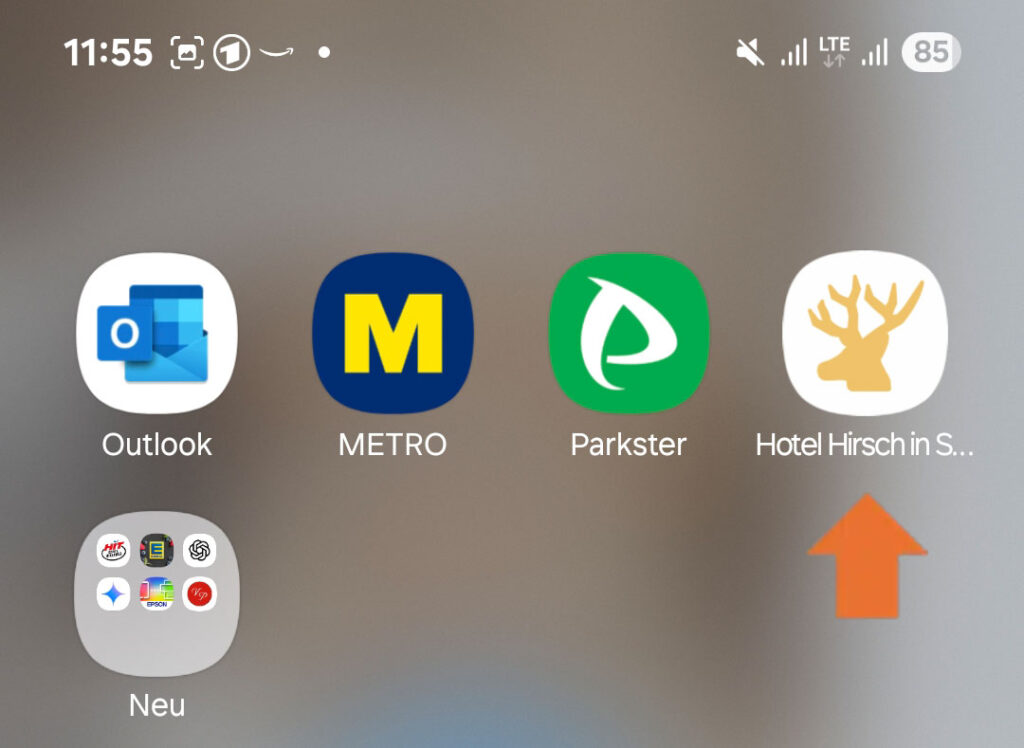
Simply save the guest directory as an icon in the apps on your smartphone. This means you don't have to scan the QR code multiple times and always have the guest directory with you. You can set this up in just a few seconds as described below.

IOS /Apple

Scan the QR code and open the guest folder. Tap the options list icon at the bottom Icon Optionsliste IOS and scroll down in the options list and then tap on "Add to home screen". The guest folder icon is now displayed in the apps.

Android (e.g. Samsung)

Scan the QR code and open the guest directory. Tap the three-dot menu to the right of the address bar icon-android-dreipunktemenue and then tap "Add to home screen". Now tap on Add or, depending on your smartphone, on Install. The guest folder icon is now displayed in the apps.